Cricut Mug Press - Troubleshooting Guide and Diagnostics
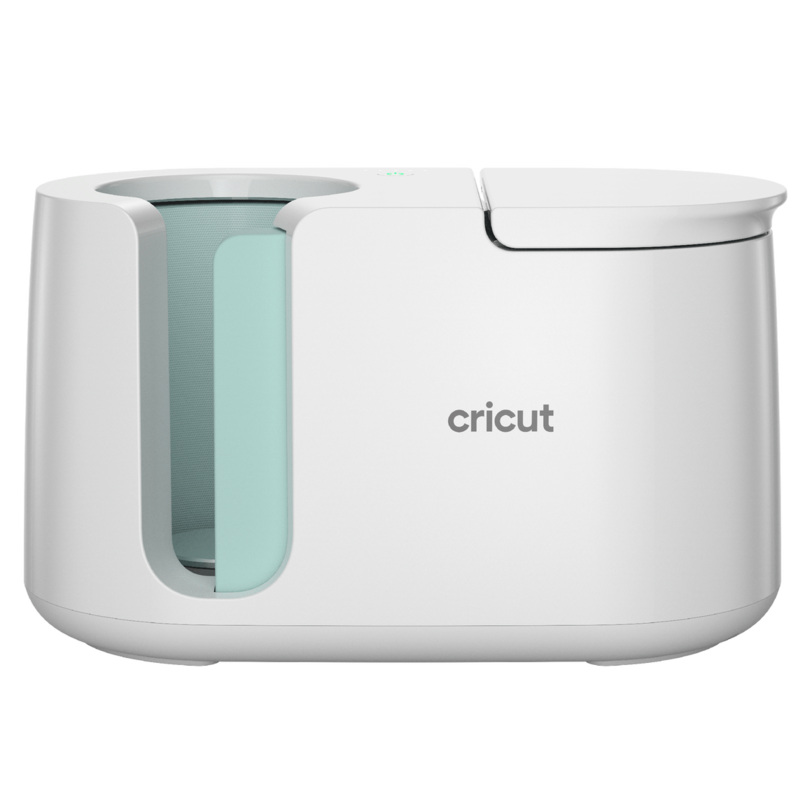
Cricut Mug Press - Troubleshooting Guide and Diagnostics
The Cricut Mug Press is an automatic sublimation press for mugs and insulated bottles. The device has a simple interface with a power button, LED indicator showing readiness, and automatic timer (approx. 5 minutes). It signals problems through different LED sequences and beep sounds. In this article, we'll cover common problems and how to solve them.
Cricut Mug Press Specifications
Technical parameters:
- Mug size: 11-15 oz / 325-450 ml (standard ceramic mugs)
- Temperature: Automatic (factory-set for sublimation)
- Time: Automatic timer (approx. 5 minutes)
- Interface: Power button, LED (ready light), beep signals
- Transfer type: Sublimation (Infusible Ink)
- Plate dimensions: Adapted to standard ceramic mugs
- Weight: Approx. 8 lbs / 3.6 kg
- Power: 400W
Important: Mug Press only works with sublimation mugs and materials (Cricut Infusible Ink). Not suitable for HTV or traditional heat transfer vinyl!
LED Signals in Power Button
Cricut Mug Press has an LED in the power button that signals device status through different colors:
Normal operation:
- ⚫ No light - standby mode (ready to start)
- 🟠 Orange flashing - connect mode (pairing with Design Space)
- 🟠 Solid orange - warming up
- 🟢 Solid green - ready to use (temperature reached)
- � Green flashing - auto-off in progress
- 🔴 Solid red - error detected/malfunction
Additional signals:
- 🔔 Single beep - cycle complete, mug ready
- 🔔 Series of beeps - warning or problem
- Progress lights - track transfer progress (on top of device)
Common Problems
1. Device Won't Turn On
Symptoms:
- No response after plugging in
- Power button doesn't light (no color)
- No lights or sounds
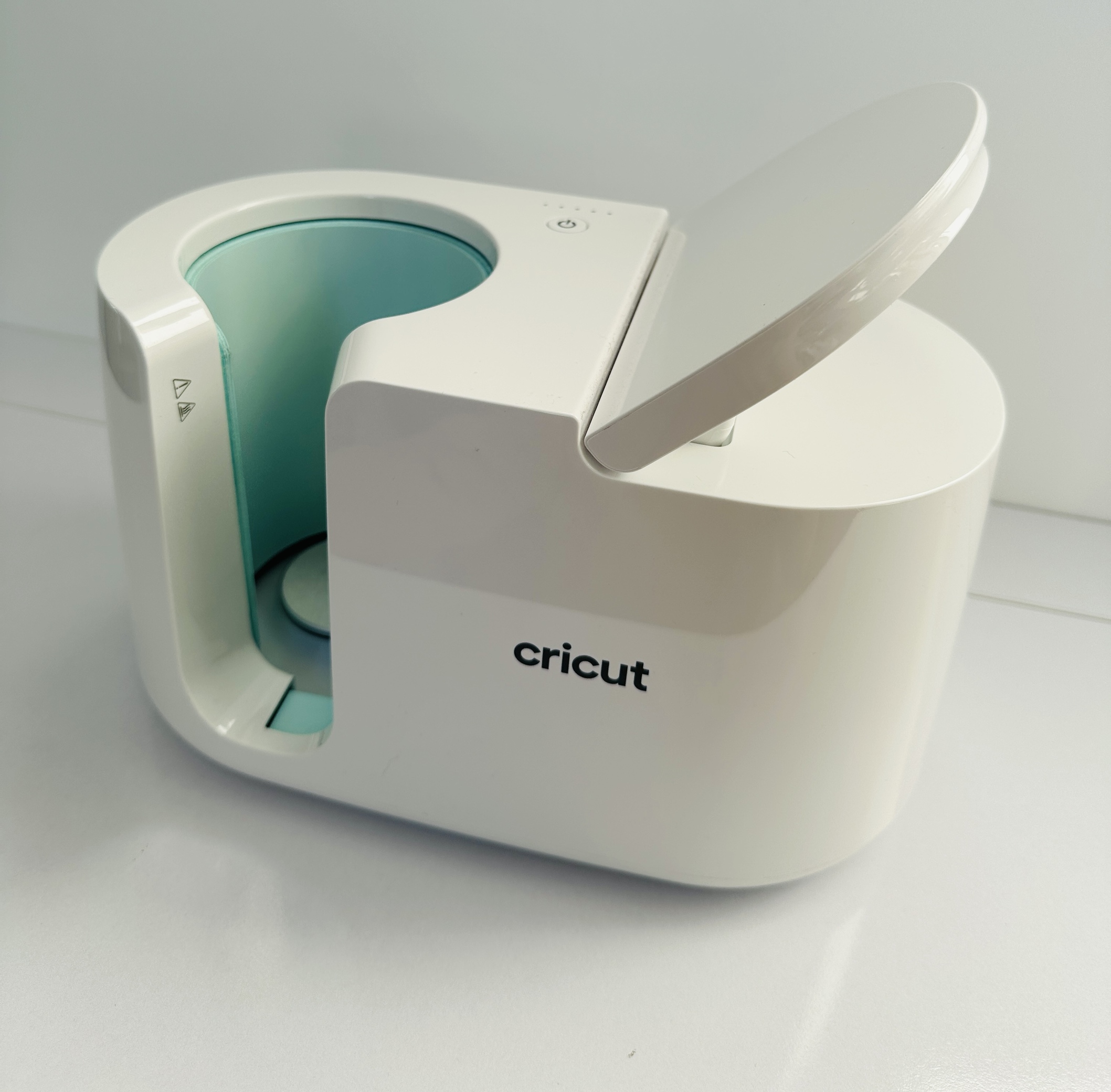 Power button with built-in LED
Diagnosis:
- Check outlet - plug in another device
- Check power cable - is it damaged
- Check power switch on device
- Look for fuse (if accessible)
Solutions:
- Try different outlet
- Ensure plug is fully inserted
- If you have spare power cable - try it
- Reset - unplug for 15 minutes, power on again
When repair is needed: If device doesn't respond after all attempts - problem with internal power or mainboard.
2. Cannot Activate Device in Design Space
Symptoms:
- Design Space doesn't detect Mug Press
- "Cannot connect" or "Activation required" message
- Device works but won't connect to app
Diagnosis:
- Check internet connection
- Check if Mug Press is powered on
- Ensure you're using latest version of Design Space
Solutions:
- Log out and log in again in Design Space
- Restart application and computer
- Check firewall - if it's blocking Design Space
- Clear cache in browser (web version)
- Try different browser or desktop app
- Disable VPN if using
For used device owners:
- If you bought Mug Press second-hand, previous owner must deactivate it from their account
- Contact Cricut support - they can help transfer device
When repair is needed: If activation problem persists despite all steps, might be problem with device identification chip.
3. Blurred or Unclear Transfers
Symptoms:
- Design transfers partially
- Blurry edges
- Uneven color
- "Ghosting" or double outlines
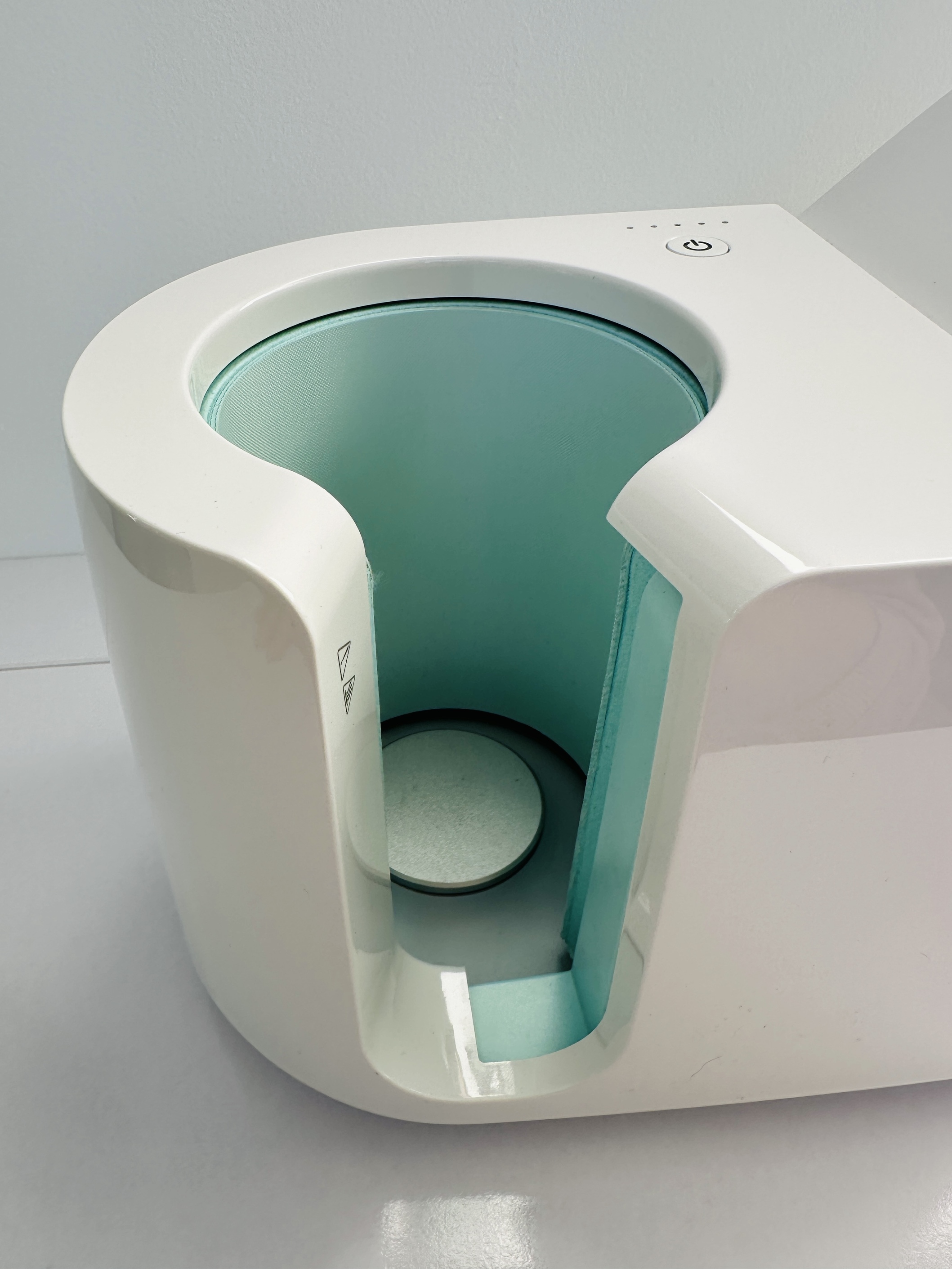 Mug clamp mechanism - proper positioning prevents blurring
Causes:
- Mug movement during transfer
- Too much oil on mug (from fingers)
- Moisture on mug before pressing
- Wrong mug type (not sublimation)
- Old sublimation paper or Infusible Ink
- Uneven mug surface
Solutions:
- Clean mug thoroughly with alcohol before use
- Ensure mug is dry (wipe and wait 5 min)
- Use heat-resistant tape to secure design
- Don't touch mug with bare hands after cleaning
- Check if mug is sublimation (polymer coating)
- Use fresh Infusible Ink - old may fade
- Align precisely design before closing press
4. Mug is Too Hot After Completion
Symptoms:
- Mug is extremely hot
- Can't touch it for several minutes
- Risk of burns
Solution:
- This is normal behavior for Mug Press!
- Mugs after sublimation are very hot (approx. 375°F/190°C)
- Use heat-resistant gloves to remove
- Let cool 5-10 minutes before washing or touching
- Can use damp cloth for gentle cooling (don't submerge!)
Safety tip: Don't place hot mug on plastic or wood - may leave mark or damage surface.
5. Mug Press Stops Mid-Cycle
Symptoms:
- Timer stops
- Device shuts off halfway
- Need to restart
Causes and solutions:
- Overheating - check ventilation, let cool
- Unstable power - try different outlet
- Firmware problem - update through Design Space
- Damaged sensor - if repeats, requires repair
6. Stains or Marks Inside Press
Symptoms:
- Brown or dark spots on heating element
- Infusible Ink residue
- Mugs have additional discoloration
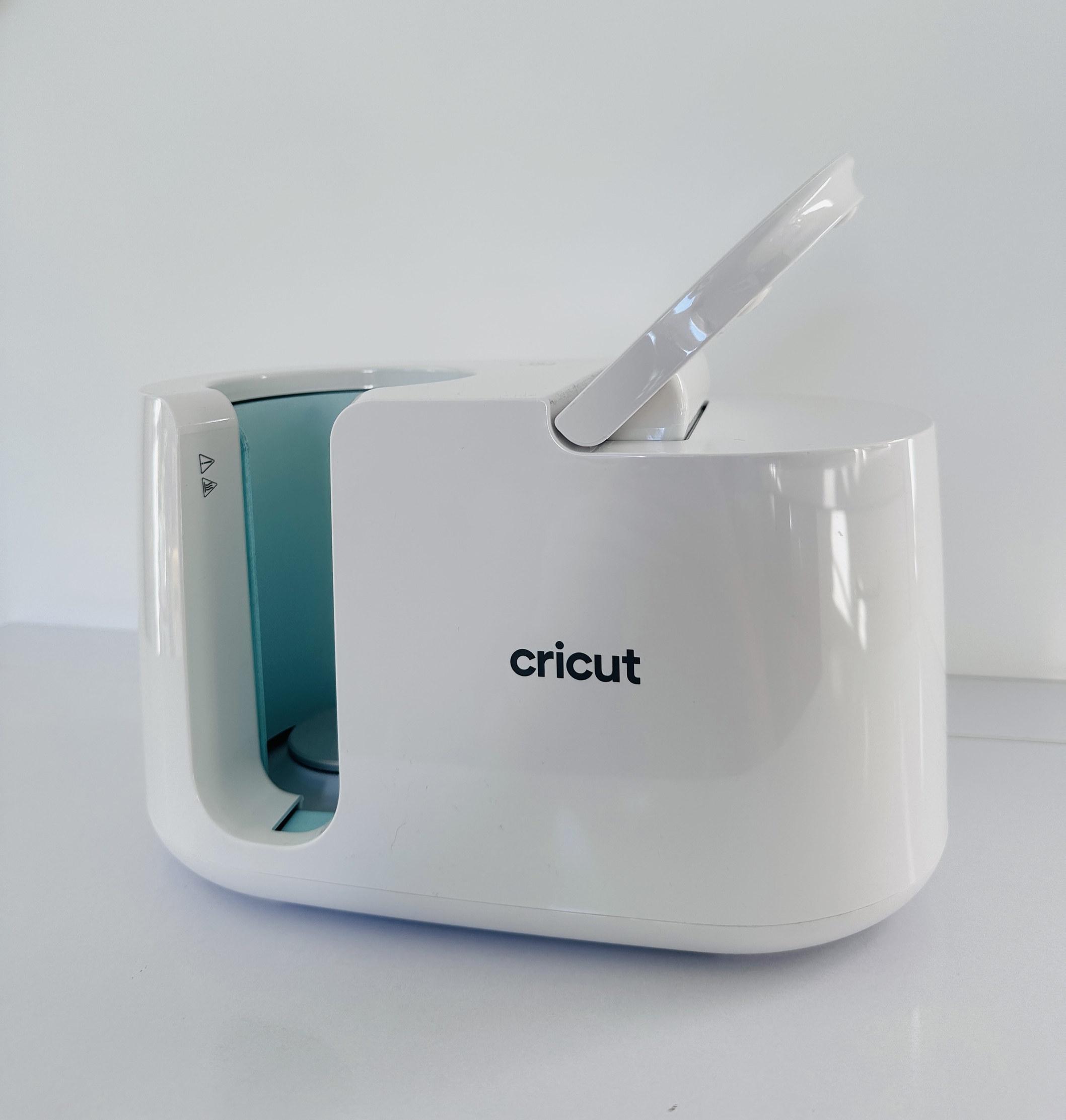 Heating element of Mug Press - where stains may appear
Solutions:
-
Hot cleaning:
- Heat the device (empty cycle)
- Use a damp cloth (not wet!) to wipe
- WARNING: Be careful - hot surfaces!
-
Cold cleaning:
- Turn off and let cool completely
- Use isopropyl alcohol and soft cloth
- Gently wipe stains
-
Prevention:
- Always use clean mugs
- Don't allow ink overflow
- Check mugs before inserting
Important: Don't use abrasive cleaners - they'll damage heating coating!
Material-Related Problems
Infusible Ink Doesn't Transfer at All
Possible causes:
- Mug is not sublimation - check if it has polymer coating
- Ink side not facing mug - Infusible Ink has "face down" side
- Mug is cold - must go through full heating cycle
- Worn or expired Infusible Ink
Solutions:
- Use only Cricut sublimation mugs or confirmed compatible
- Check orientation of Infusible Ink (usually print side out = ink to mug)
- Don't open press before cycle completes
- Check expiration date of materials
Mugs Crack or Peel Over Time
Causes:
- Low quality mugs - not designed for sublimation
- Too high washing temperatures in dishwasher
- Scrubbing with abrasive sponge
- Use on unsuitable mugs (ceramic without coating)
Prevention:
- Use only certified sublimation mugs
- Wash by hand with warm water and gentle soap
- Avoid dishwashers (sublimation not 100% dishwasher-safe)
- Don't use sharp tools for cleaning
When to Contact Service
Contact professional service if:
- ✅ Device won't turn on or heat
- ✅ Power button lights solid red (error detected)
- ✅ Continuous beep signals or errors
- ✅ You hear unusual sounds (crackling, buzzing)
- ✅ You smell burning or see smoke
- ✅ Device is under warranty - don't open yourself!
Don't try to repair yourself if:
- ⚠️ Problem involves electronics or heating element
- ⚠️ Opening case is required
- ⚠️ Device is under warranty (you'll void warranty)
Important: We are not an authorized Cricut service center. We repair devices after warranty period or when official service is not available/cost-effective.
Maintenance Tips
To keep Mug Press in good condition:
- Regular cleaning - after every 10-15 uses
- Check cable - not pinched or damaged
- Store in dry place - moisture harms electronics
- Don't cover during cooling - needs ventilation
- Update firmware regularly through Design Space
- Use voltage stabilizer if you have power problems
Summary
Cricut Mug Press is a simple but effective sublimation device. It signals problems through LED and beep sounds. Most problems can be solved by reset and proper maintenance.
Remember:
- Always use sublimation mugs
- Cleaning and maintenance extend lifespan
- Pay attention to LED and beep signals
- When in doubt - contact service
Need Mug Press repair? Contact us - diagnosis 50 PLN / 15 EUR!